
We’re thrilled to announce the release of Hanko v2.0!
This major update introduces a completely redesigned JavaScript/TypeScript SDK built to work hand-in-hand with our Flow API. It gives developers everything they need to build custom authentication experiences—backed by passkeys and all of Hanko’s powerful features.
When we launched Hanko v1.0 a few months ago, we introduced the Flow API to make our authentication logic more flexible, testable, and robust. While the primary driver for Flow API at the time was to improve the internals of Hanko itself, it quickly drew attention from developer teams wanting to build custom frontends and mobile apps using the raw API.
At the time, our main recommendation for most projects was to use Hanko Elements — a set of Web Components that deliver complete, drop-in authentication flows out of the box. Hanko Elements is built on top of the Flow API and gives teams a fast, no-code path to passkey-first login and account management, with deep configurability.
Under the hood, Hanko Elements has always used an internal SDK to interact with the Flow API. But while that internal SDK helped us ship our own UI fast, it wasn’t yet ready for the outside world. It lacked the simplicity, type safety, and developer experience we wanted to provide to teams building their own UIs.
Over the past several weeks, we’ve focused heavily on rebuilding this SDK from the ground up — and today, we’re excited to make it available to everyone.
The new JavaScript/TypeScript SDK introduced in Hanko v2.0 is designed for developers who want full control over their frontend, while still taking advantage of everything the Flow API has to offer — from passkeys, multi-factor authentication, and optional passwords to social logins, SSO, and more.
It offers a clean, typed interface for managing authentication flows via the Flow API, while taking care of things like:
Example usage:
const hanko = new Hanko({ apiUrl: "https://auth.example.com" });

const state = await hanko.createState("login");

await state.actions.continue_with_login_identifier.run({
  username: "maria@example.com",
});

hanko.onBeforeStateChange(({ state }) => {
  console.log(`Action invoked: ${state.invokedAction?.name}`);
});

hanko.onAfterStateChange(({ state }) => {
  console.log(`Transitioned to: ${state.name}`);

  if (state.name === "login_init") {
    state.passkeyAutofillActivation();
  }
});
This new SDK gives developers full flexibility to design their own user onboarding, login, and account management interfaces — using whatever UI framework they prefer.
One of the standout features of the new SDK is its local State object. Each flow state is modeled as a structured, serializable object that gives developers everything they need to render the UI for that step and trigger the correct actions.
onBeforeStateChange, onAfterStateChange).This makes it easy to create predictable, testable user flows — and integrate authentication deeply into your app’s own state management and UX logic.
If you’re looking to get started quickly with passkey-based authentication, Hanko Elements is still the fastest way. It gives you a fully working, themeable auth UI in minutes.
But if you're building a custom user experience — or you’re working on a mobile app or design system where Web Components don’t fit — the new SDK is for you.
It’s especially helpful if you:
We’ll continue to expand the SDK with more features, helper functions, and tighter integrations with frontend frameworks like React, Vue, and Svelte. We’re also working on updated examples and documentation to help teams get started even faster.
Check out the updated documentation for implementation guides and the complete Flow API reference.
We’d love to hear what you’re building with the new SDK!
Feel free to open an issue, start a discussion on GitHub, or reach out to us on Discord.
Happy building! 🚀
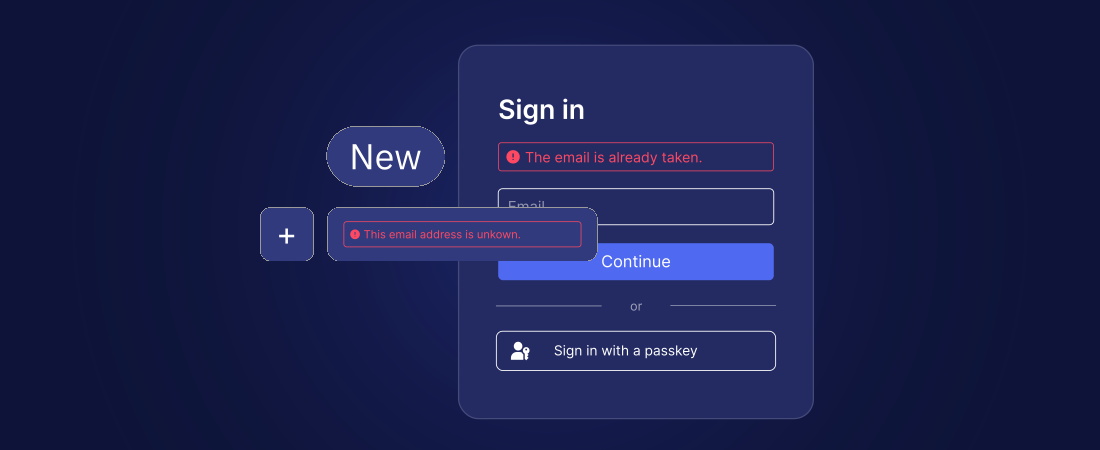
Two new privacy settings have been added to control whether the disclosure of information about user accounts should be accepted for the sake of usability:
Show account existence hints: When registering or trying to log in, feedback is displayed indicating whether or not an email address already exists (e.g. “The email is already taken.” or “The email address is unknown.”). When disabled, the system hides this information and behaves identically in both cases to avoid disclosing information about existing email addresses (this has previously been the default behavior).Hide unavailable login methods: Only display the authentication methods that are actually available to a user during the sign-in process (e.g. after the user enters an e-mail address as the identifier in the sign-in form, only prompt the user for a password if they actually have one). If disabled, all theoretically possible authentication options are always displayed to avoid disclosing information about existing email addresses (this has previously been the default behavior).Please note: Full protection against email enumeration attacks is only provided if both settings, “Show account existence hints” and “Hide unavailable login methods” are disabled. Please note that this may result in a poorer user experience, as users will no longer receive direct feedback if, for example, they have entered an incorrect email address, or if they are suggested the option to enter a password even though they do not have one.
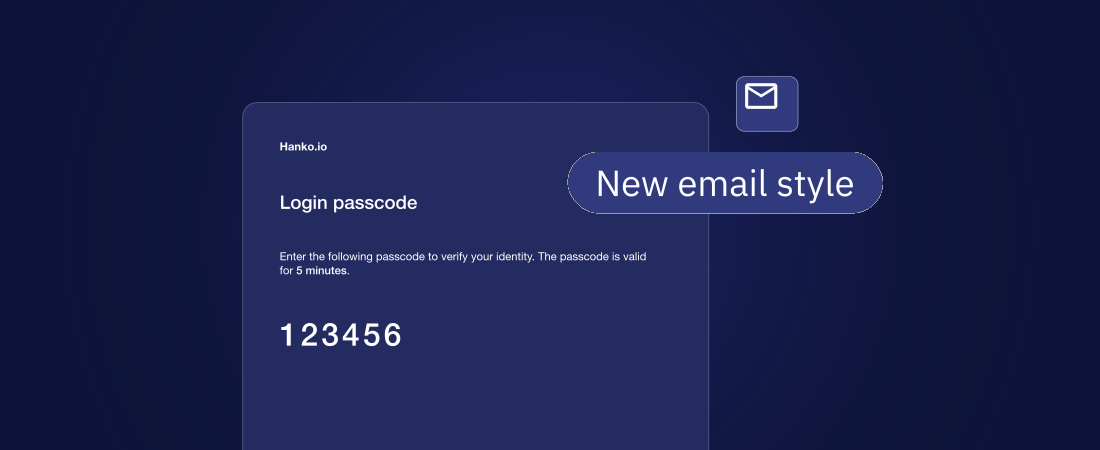
Support for HTML email rendering and delivery has been added alongside plain text emails. The changes ensure that both plain text and HTML versions of passcode and notification emails are generated and sent, improving email formatting and readability across different clients. We will further improve the styling of the HTML emails in a future patch.
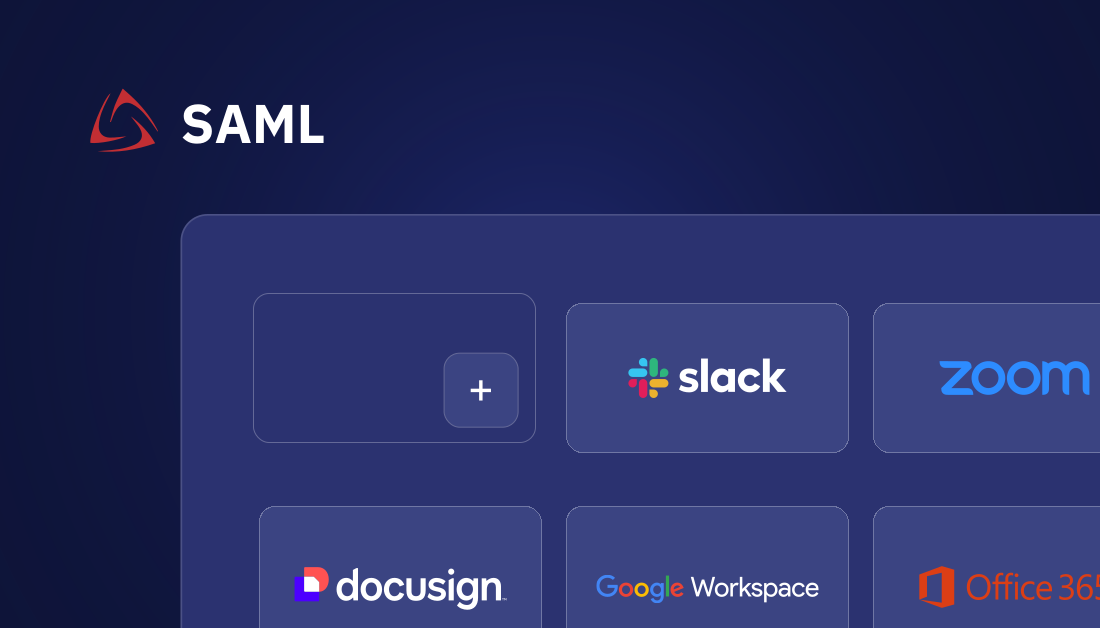
Hanko's SAML implementation is now able to handle Identity provider (IdP) initiated login requests. This is a key feature for B2B customers that require their own IdP to handle authentication to apps that use Hanko. Now, those B2B users can access apps that use Hanko via their "App directories" or "App launchers" (e.g. Entra, Google Workspace, Okta) and initiate the authentication flow right from there. The existing SAML flow (SP-initiated SSO) can continue to be used.
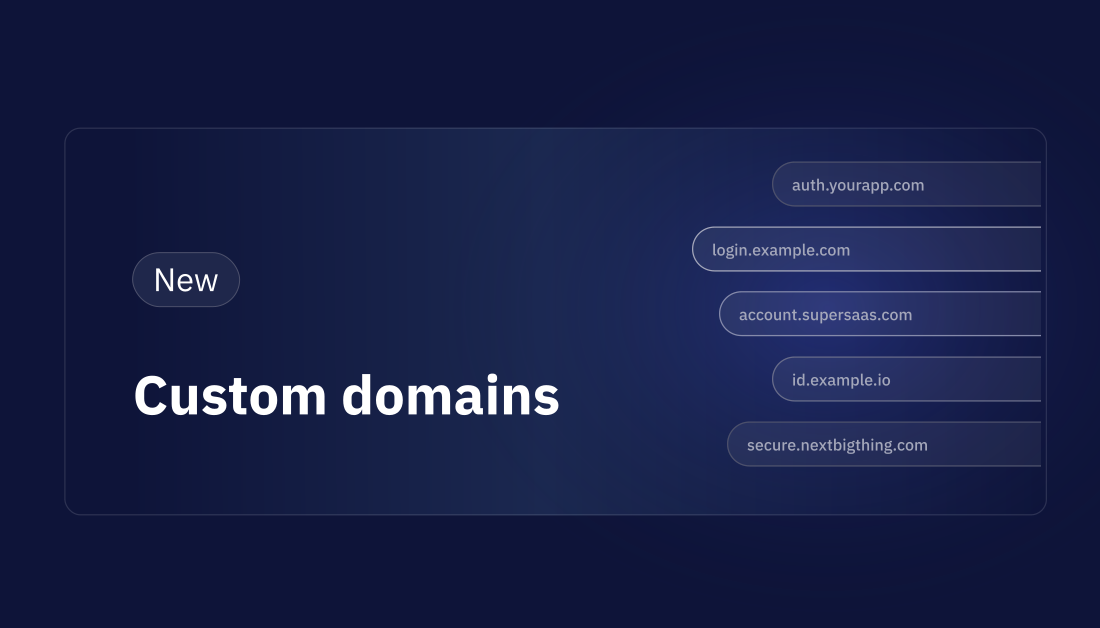
Hanko Cloud projects can now be configured with a custom domain. That means that your Hanko API URL can be changed from e.g. https://be11cd95-4125-45db-65e7-a62a64dacb97.hanko.io to auth.yourdomain.com.
Setting up a custom domain for a project effectively removes cross-domain from your setup, which has a number of benefits:
hanko.io. This is a big one and the main reason we're allowing custom domains for all projects, not only Pro subscribers. When your users click on Sign in with Google, they are redirected to a Google login / consent page that shows them which website will be granted access to their Google email address. The domain displayed here should be yours, not us. That's now possible with custom domains.
All projects that have activated either at least one social SSO provider or device trust should configure their custom domain as soon as possible.
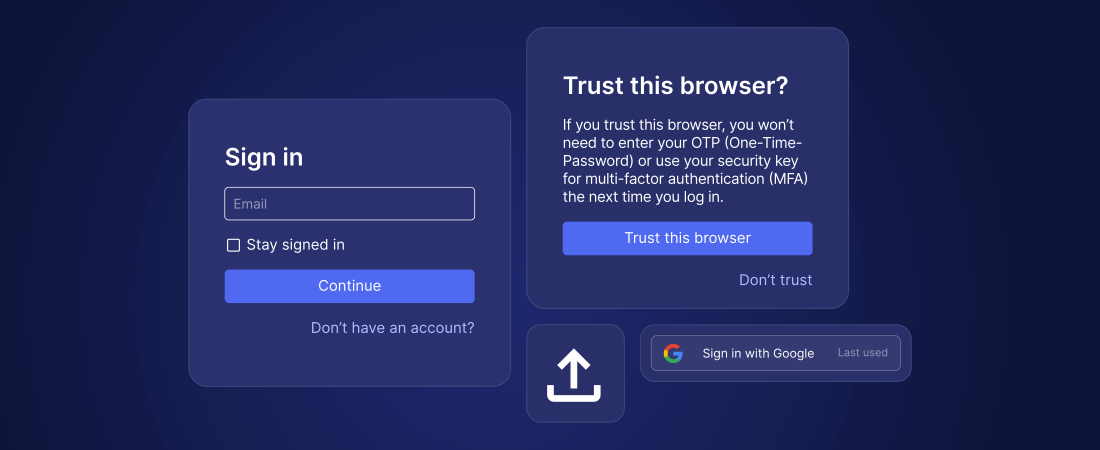
This update adds options to allow users to skip 2FA on trusted devices, a “Stay signed in” checkbox, "Last used" labels on social SSO buttons, and improvements to the Admin API.
A new device trust feature offers users the option of not having to perform 2FA again for a certain period of time after successful 2FA. Administrators can determine whether device trust should be established automatically, or whether the user should be asked whether they trust the device, or whether trusted devices should never be allowed and 2FA should always be enforced.
This new option can be used to control whether a persistent cookie or a session cookie should be issued when the user is logging in. Persistent cookies (default) remain valid for the set session duration, i.e. the user remains logged in even if the browser is closed. Session cookies are usually deleted when the browser or browser tab is closed, so users have to log in again the next time they visit the app. A third option adds a “Stay signed in” checkbox to the login screen, which allows the user to determine the type of cookie themselves.
Social SSO buttons (e.g., "Sign in with Google") now display a "Last used" label to help users remember which provider they chose on their last visit and avoid creating redundant accounts. Note that active Account Linking still allows users to change the login method to some extent, but only if the email address matches.
The Admin API has been extended with the following new endpoints:
User import functionality has been improved. Now, more user data and credentials can be imported, e.g.:
.svg)
This release contains Multi-Factor Authentication (MFA) capabilities for Hanko backend and Hanko Elements.
Hanko has been optimized for WebAuthn and passkey authentication from the very beginning. However, the additional implementation of other, potentially weaker authentication methods such as passwords and email passcodes meant that we also had to add MFA (or 2FA). And here it is: TOTP authenticator apps as well as FIDO security key support.
As a bonus feature, we added the option for MFA enrollment during registration and login flows, allowing admins to easily enforce MFA adoption among their user base if required.
As the de facto standard for 2FA, the most obvious benefit of Time-based One-Time Passcodes (TOTP) is their universality. Users can choose from a myriad of authentication apps such as Google Authenticator, Microsoft Authenticator and many more to generate the one-time codes – no special hardware required.
We just had to support security keys as second factors due to their unmatched security benefits. No other MFA method can protect users as reliably against phishing and most other known account takeover attacks.

We are excited to release Hanko 1.0 today. After two years in Beta, Hanko 1.0 is more user friendly, more customizable and more mature than any previous release in almost all areas, which is now represented by the 1.0 version number.
<hanko-login> and <hanko-registration> that can be placed on separate pages, e.g. /login and /registration<hanko-auth> element is still available, allowing users to toggle between login and registration on the same pageThis version contains a new API, which we call Flow API (#1532). With the previous RESTful API of the Hanko backend, it had become very complex to extend the functionality of Hanko. This was mainly due to the fact that most of the state handling was done in Hanko Elements and each endpoint had to be called in a specific order to work properly. The Flow API takes over this complexity completely in the backend and thus enables us to further develop the Hanko system at a higher speed than ever before.
When migrating your application to the new Hanko 1.0 Elements, be aware of the following changes:
onAuthFlowCompleted events have been removed (use onSessionCreated instead)onSessionCreated contains the session JWT, but not the user ID anymoreFor the self-hosting migration guide see the release notes on GitHub.
Send your own passcode emails with Hanko's new custom email sending feature. Custom email sending allows you to have full control over emails sent to your users. Simply subscribe to the new email webhook and build your own emails. See the custom email docs here.

We've added support for Sign in with Microsoft and Discord to Hanko Cloud. Hanko Cloud admins can find both under the Identity providers section in the project's settings.
Once enabled, the respective "Sign in with..." buttons will be displayed for all users on your <hanko-auth> sign in and sign up page.
Sign in with Microsoft supports both personal and work accounts (e.g. Office 365 or Azure AD / Entra accounts). This feature took a good amount of work and was stalled for a few months because we stumbled upon the "nOAuth" security vulnerability (basically by accident) and had to find a way around it. To make sure your Hanko project is protected when using Sign in with Microsoft, please follow the steps highlighted in the Hanko Docs for the Microsoft identity provider.