

When it comes to pioneering innovative gaming experiences, Nintendo rarely disappoints. Now, they've taken a leap in improving the user experience and security by introducing passkeys for the Nintendo Account. Congratulations, Nintendo!
Let's take a closer look at Nintendo's passkey implementation and talk about a few highlights as well as little things that could be improved.
Simplified Login: The passkey login option is displayed on the main login page and can be selected without having to enter a username or email address first. Awesome!
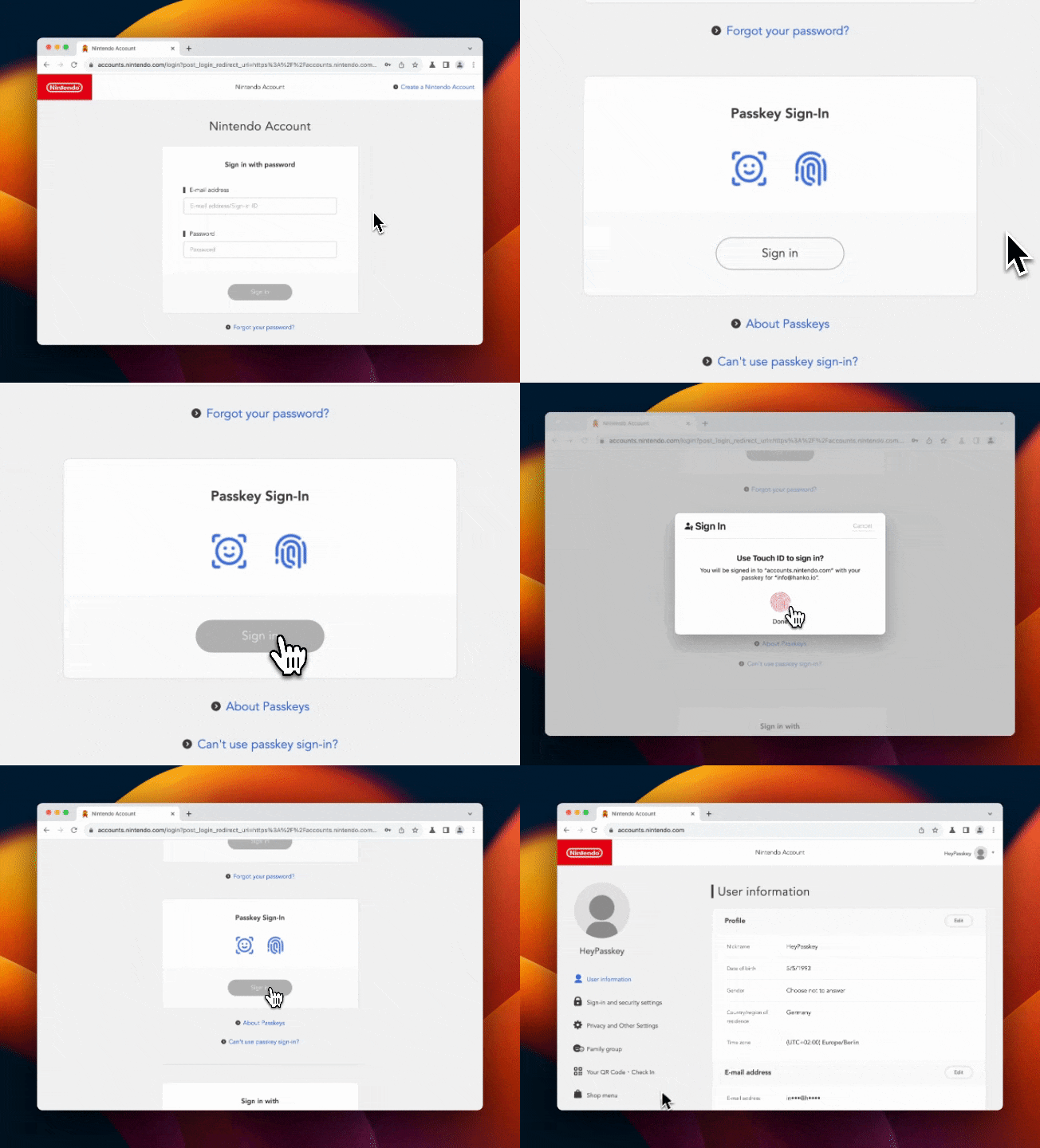
Guided Onboarding: Nintendo ensures that users aren't left scratching their heads. When registering a passkey, the page educates users about its features and advantages. It's always a great move when developers ensure that their users fully understand new features, especially when it comes to account security.

Manage Multiple Passkeys: Recognizing that many of us access our accounts from various devices, Nintendo allows users to register and manage multiple passkeys via profile settings.

While Nintendo's new passkey feature shines, there's always room to make things even better:
For those curious about which major services support passkeys, we're curating this list for a quick overview on passkey adoption. It's exciting to see Nintendo join the ranks of companies like Google, GitHub, and TikTok embracing this user-friendly and secure login method.
Nintendo's move towards a simplified login experience is yet another strong signal that passkeys have finally hit the mainstream. It’s reassuring to see companies prioritize user convenience and security. Great job, Nintendo.
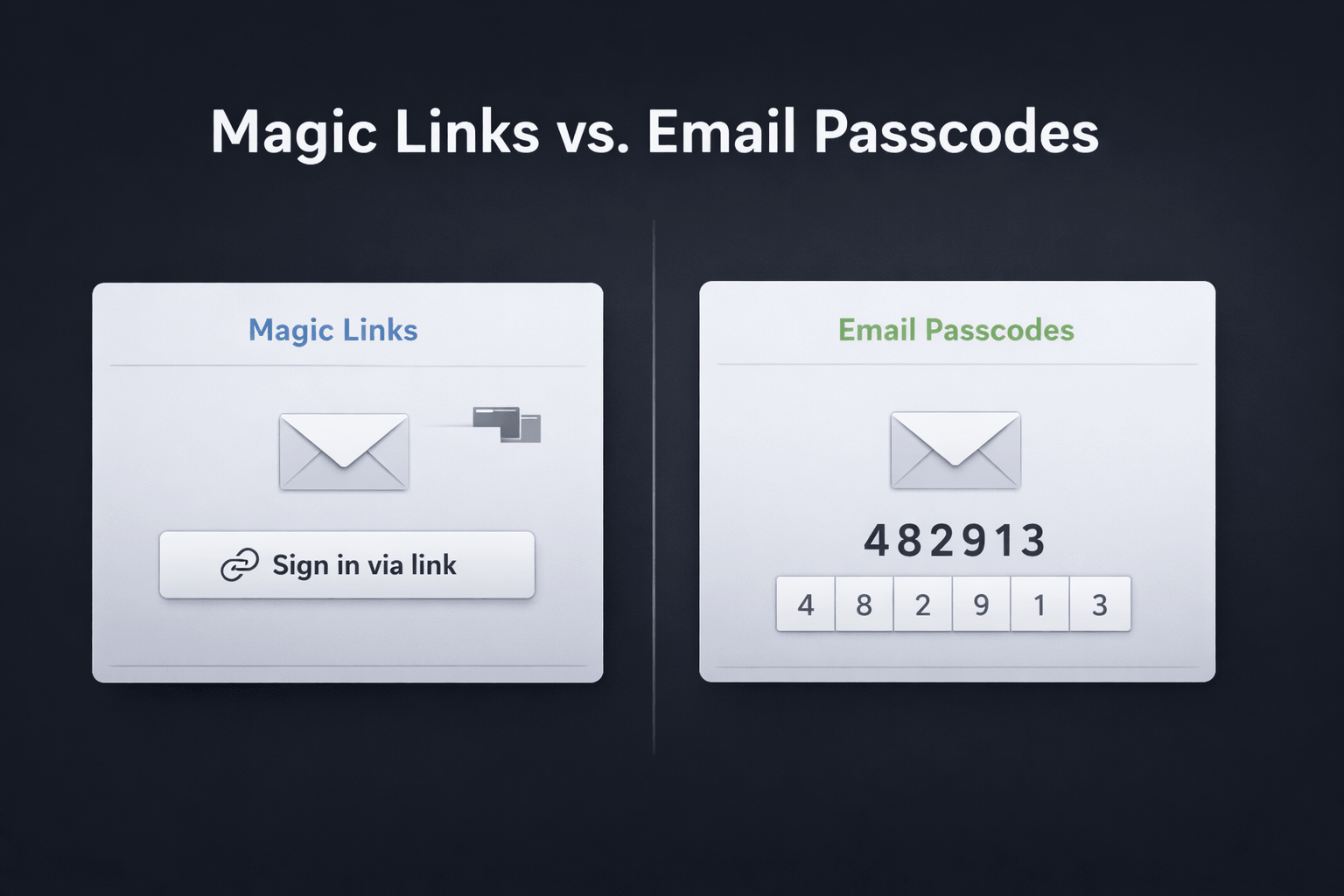
Magic links and email passcodes both promise passwordless login with low friction. But once you look at cross-device sign-in, browser behavior, email

Why we’re moving Hanko from a Kubernetes-native single-tenant setup to a multi-tenant architecture and what “cloud native” got wrong for a small team.
"Zombie passkeys" – passkeys that exist in a limbo state between client devices and authentication servers.