

If you're looking to add a passkey login to your Rust app, you're in the right place! In this tutorial, we'll walk you through the step-by-step process and showing you how to use the Hanko Passkey API to make it happen. So, let's dive in and start upgrading your app's login experience.
We'll assume that you already have an authentication system in place, so we'll focus specifically on adding a passkey functionality to complement your current setup. To bring passkey functionality to your app, you'll typically need two things:
Let's get started and give your users a seamless and secure login experience. To make things even simpler, we have created a sample app that you can use as a reference throughout the tutorial.
First, you need to retrieve the PASSKEY_TENANT_ID and PASSKEY_API_KEY. These variables are used to authenticate and communicate with the Hanko Cloud API.
Next, we create two controller functions.
1. start_registration_handler
user_id in the session.user_id and user_email from the session./registration/initialize endpoint with the user_id and username in the payload.<pre><code class="language-js">// src/controller.rs
pub async fn start_registration_handler(Json(user): Json<UserForRegistration>) -> Result<Json<serde_json::Value>, StatusCode> {
let client = reqwest::Client::new();
let url = format!("{}/{}/registration/initialize", BASE_URL, TENANT_ID);
let payload = json!({ "user_id": user.id, "username": user.email });
let mut headers = HeaderMap::new();
headers.insert("apikey", HeaderValue::from_static(API_KEY));
headers.insert(CONTENT_TYPE, HeaderValue::from_static("application/json"));
let response = client.post(url)
.headers(headers)
.json(&payload)
.send()
.await
.map_err(|_| StatusCode::INTERNAL_SERVER_ERROR)?;
let creation_options: serde_json::Value = response
.json()
.await
.map_err(|_| StatusCode::INTERNAL_SERVER_ERROR)?;
Ok(Json(creation_options))
}
</code></pre>2. finalize_registration_handler:
/registration/finalize endpoint with the received data.<pre><code class="language-js">pub async fn finalize_registration_handler(Json(data): Json<serde_json::Value>) -> Result<Json<serde_json::Value>, StatusCode> {
let client = reqwest::Client::new();
let url = format!("{}/{}/registration/finalize", BASE_URL, TENANT_ID);
let mut headers = HeaderMap::new();
headers.insert("apikey", HeaderValue::from_static(API_KEY));
headers.insert(CONTENT_TYPE, HeaderValue::from_static("application/json"));
let response = client.post(url)
.headers(headers)
.json(&data)
.send()
.await
.map_err(|_| StatusCode::INTERNAL_SERVER_ERROR)?;
let result: serde_json::Value = response
.json()
.await
.map_err(|_| StatusCode::INTERNAL_SERVER_ERROR)?;
Ok(Json(result))
}
</code></pre>Now, create two routes and use the APIs on your frontend.
<pre><code class="language-js">
//src/main.rs

.route("/passkeys/start-login", post(start_login_handler))
.route("/passkeys/finalize-login", post(finalize_login_handler))
</code></pre>Make sure to install the @github/webauthn-json library in your frontend.
<pre><code class="language-sh">npm install @github/webauthn-json
</code></pre>
Next, create a function called registerPasskey that will be called when the user clicks a button to register a new passkey.
<pre><code class="language-js">import { create, type CredentialCreationOptionsJSON } from "@github/webauthn-json";

async function registerPasskey() {
  // Step 1: Start the passkey registration process
  const createOptionsResponse = await fetch("http://localhost:8080/passkeys/start-registration", {
    method: "POST",
    headers: {
      "Content-Type": "application/json"
    },
    credentials: 'include',
  });
  const createOptions = await createOptionsResponse.json();
  console.log("createOptions", createOptions);

  // Step 2: Create the passkey credential using the WebAuthn API
  const credential = await create(
    createOptions as CredentialCreationOptionsJSON,
  );
  console.log(credential);

  // Step 3: Finalize the passkey registration
  const response = await fetch("http://localhost:8080/passkeys/finalize-registration", {
    method: "POST",
    headers: {
      "Content-Type": "application/json"
    },
    credentials: "include",
    body: JSON.stringify(credential),
  });
  console.log(response);

  if (response.ok) {
    toast.success("Registered passkey successfully!");
    return;
  }
}
</code></pre>
Let's break down the registerPasskey function step by step:
/passkey/start-registration endpoint of our Rust backend.create function from the @github/webauthn-json library to create the passkey credential.create function takes the creation options received from the backend and returns a promise that resolves to the created credential./passkey/finalize-registration endpoint of our Rust backend.response.ok), we display a success message to the user using a toast notification.With this code in place, when the user clicks the button to register a new passkey, the registerPasskey function will be called. It will start the registration process, create the passkey credential using the WebAuthn API, and finalize the registration with the backend.
Now, to make it work we're missing one crucial step: getting the Tenant ID and API key secret from Hanko Cloud. For that, navigate over to Hanko, create an account, and set up your organization. Navigate to 'Create new project', select 'Passkey Infrastructure', and provide your project name and URL.
Note: It's recommended to create separate projects for your development and production environments. This way, you can use your frontend localhost URL for the development project and your production URL for the live project, ensuring a smooth transition between environments without the need to modify the 'App URL' later.
Obtain your Tenant ID and create an API key, then add the Tenant ID and API key secret to your backend's '.env' file.
Now that you have your secrets added to your backend's .env file, you should be all set to register a passkey. Go ahead and give it a try!
To enable passkey login in your Rust backend, you'll need to add two more functions:
start_passkey_login_handler:/login/initialize endpoint.finalize_passkey_login_handler:/login/finalize endpoint with the received client data.<pre><code class="language-js">// src/controller.rs
pub async fn start_passkey_login_handler() -> Result<Json<LoginOptions>, StatusCode> {
let client = reqwest::Client::new();
let url = format!("{}/login/initialize", BASE_URL);
let headers = [("Content-Type", "application/json")]; // Add more headers as needed
let res = client.post(&url)
.headers(headers.into_iter().map(|(k, v)| (k, HeaderValue::from_static(v))).collect())
.send()
.await
.map_err(|_| StatusCode::INTERNAL_SERVER_ERROR)?;
let body = res.text().await.map_err(|_| StatusCode::INTERNAL_SERVER_ERROR)?;
let login_options: LoginOptions = serde_json::from_str(&body).map_err(|_| StatusCode::INTERNAL_SERVER_ERROR)?;
Ok(Json(login_options))
}
pub async fn finalize_passkey_login_handler(Json(client_data): Json<ClientData>) -> Result<Response, StatusCode> {
let client = reqwest::Client::new();
let url = format!("{}/login/finalize", BASE_URL);
let headers = [("Content-Type", "application/json")]; // Add more headers as needed
let res = client.post(&url)
.headers(headers.into_iter().map(|(k, v)| (http::header::HeaderName::from_static(k), HeaderValue::from_static(v))).collect())
.json(&client_data)
.send()
.await
.map_err(|_| StatusCode::INTERNAL_SERVER_ERROR)?;
let body = res.text().await.map_err(|_| StatusCode::INTERNAL_SERVER_ERROR)?;
let result: serde_json::Value = serde_json::from_str(&body).map_err(|_| StatusCode::INTERNAL_SERVER_ERROR)?;
let token = result.get("token").and_then(|t| t.as_str()).ok_or(StatusCode::INTERNAL_SERVER_ERROR)?;
let decoded = decode::<Claims>(&token, &DecodingKey::from_secret("secret".as_ref()), &Validation::default())
.map_err(|_| StatusCode::INTERNAL_SERVER_ERROR)?;
let claims = decoded.claims;
let user_id = claims.sub;
let new_token = encode(&Header::default(), &claims, &EncodingKey::from_secret("secret".as_ref()))
.map_err(|_| StatusCode::INTERNAL_SERVER_ERROR)?;
let mut headers = HeaderMap::new();
headers.insert(SET_COOKIE, HeaderValue::from_str(&format!("token={}; HttpOnly; Path=/; Max-Age=86400", new_token)).unwrap());
Ok(Response::builder()
.status(StatusCode::OK)
.headers(headers)
.body(Json(json!({"message": "Login successful"})).into())
.unwrap())
}
</code></pre>Now we create a signInWithPasskey function. This function will interact with the Rust backend APIs to initiate and finalize the passkey login process.
Here's the code for the signInWithPasskey function:
<pre><code class="language-js">async function signInWithPasskey() {
  // Step 1: Start the passkey login process
  const createOptionsResponse = await fetch("http://localhost:8080/passkeys/start-login", {
    method: "POST",
    headers: {
      "Content-Type": "application/json"
    },
    credentials: 'include',
    body: JSON.stringify({ start: true, finish: false, credential: null }),
  });
  const loginOptions = await createOptionsResponse.json();

  // Step 2: Open the "sign in with a passkey" dialog and get the credential
  const options = await get(
    loginOptions as any,
  );

  // Step 3: Finalize the passkey login
  const response = await fetch("http://localhost:8080/passkeys/finalize-login", {
    method: "POST",
    headers: {
      "Content-Type": "application/json"
    },
    credentials: 'include',
    body: JSON.stringify(options),
  });

  if (response.ok) {
    navigate("/dashboard");
    return;
  }
}
</code></pre>
Let's break down the signInWithPasskey function:
/passkeys/start-login endpoint.get function from the @github/webauthn-json library to open the "sign in with a passkey" dialog.get function takes the login options received from the backend and returns a promise that resolves to the selected credential./passkeys/finalize-login endpoint of our Rust backend.response.ok), we log a message indicating a successful passkey login.navigate function (assuming you have a routing system in place).That's it! You've successfully integrated passkeys into your Rust app. Feel free to reach out to us on Discord if you face any issues.
GitHub Repo: https://github.com/teamhanko/passkeys-rust
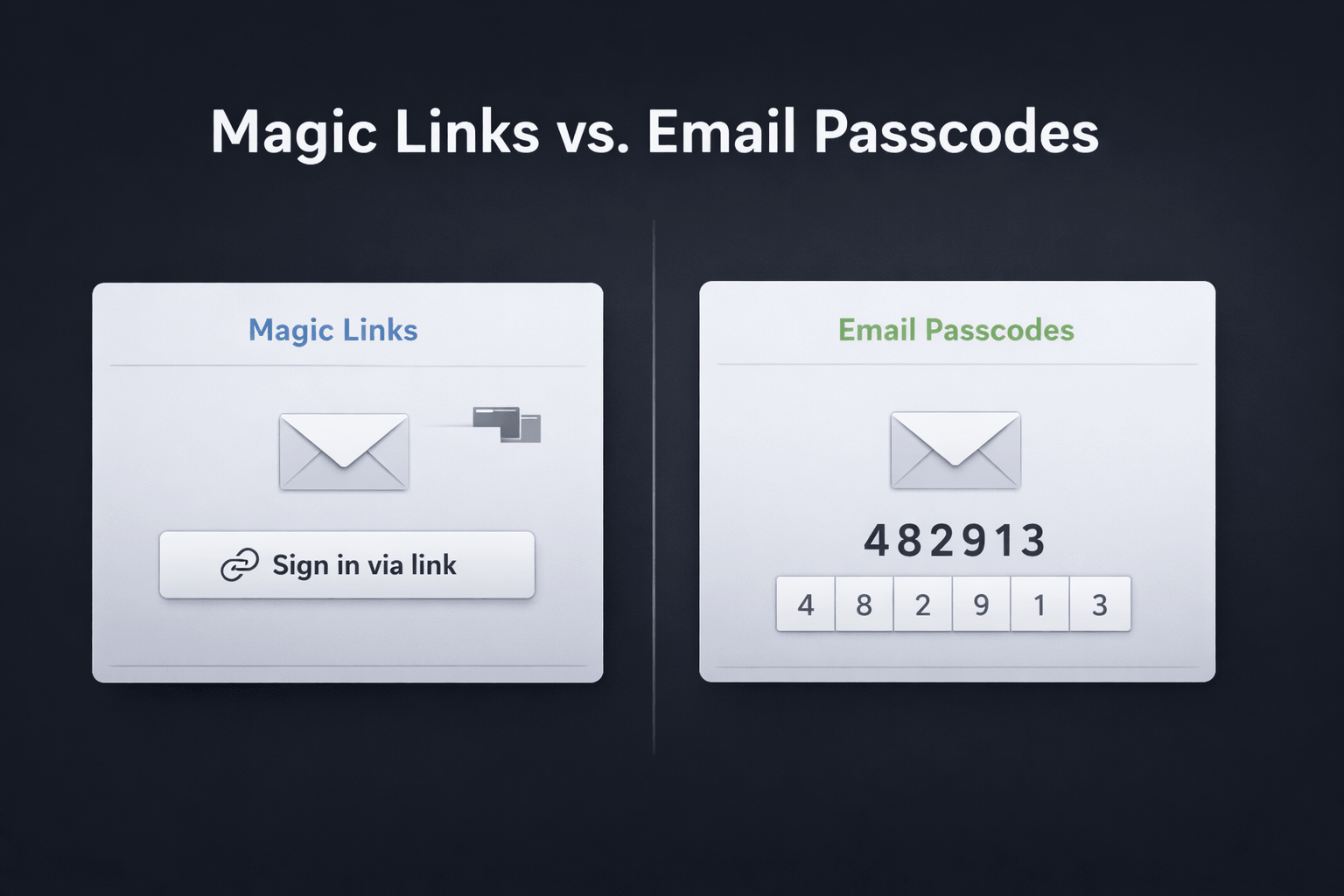
Magic links and email passcodes both promise passwordless login with low friction. But once you look at cross-device sign-in, browser behavior, email

Why we’re moving Hanko from a Kubernetes-native single-tenant setup to a multi-tenant architecture and what “cloud native” got wrong for a small team.

"Zombie passkeys" – passkeys that exist in a limbo state between client devices and authentication servers.